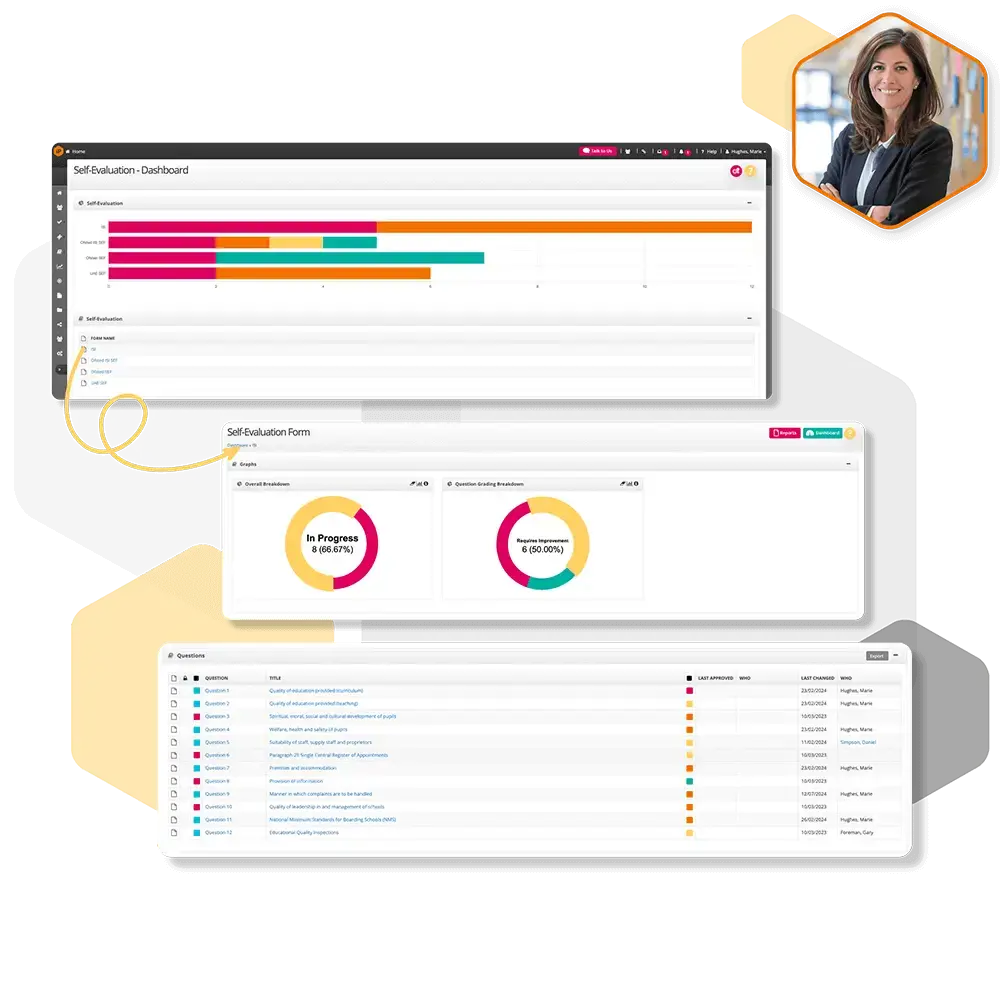
Self Evaluation Overview
A brief introduction to self‑evaluation in iP, explaining how staff can reflect on their practice, assess progress, and support their professional development.
Self-Evaluation Settings
Self-Evaluation Settings give you control over how self-evaluations work in iP. By adjusting these options, you can support clear reflection, consistent responses, and useful insights for improvement planning.
How do I add evidence to an SEF?
Step‑by‑step instructions for attaching evidence to your Self‑Evaluation Form in iP, helping you support reflections and demonstrate progress.
How do I link the SEF and improvement plan?
Learn how to connect your Self‑Evaluation Form (SEF) with an Improvement Plan in iP, ensuring that reflections directly inform development actions and goals.
How do I download and print the SEF?
Step‑by‑step guidance on exporting and printing your Self‑Evaluation Form (SEF) from iP, creating a physical or digital record of reflections and evidence.
How do I answer a SEF response?
Step‑by‑step instructions on how to provide responses in a Self‑Evaluation Form (SEF) within iP, helping you reflect on practice and record evidence effectively.
How do I assign staff members to an SEF?
Learn how to assign staff members to a Self Evaluation Form (SEF) by creating SEF groups and setting access rights for specific sections.
How to add departmental responses?
Step‑by‑step instructions for adding departmental responses to the Self-Evaluation Form.
How to add comments?
Step‑by‑step instructions for adding comments to the Self-Evaluation Form.
Common SEFs in IP
Learn about the common Self-Evaluation Forms we have available on IP.
How to use the OFSTED SEF
Learn about the Ofsted Self-Evaluation Form and how to use it.