CPD requests can be found in two locations: the CPD section or within a staff member's portfolio.
To approve or reject requests, open the CPD dropdown on the left-hand side and select Requests.
All requests will be displayed in a list format.
Click Request next to the relevant CPD request.
A dropdown menu will appear with the options: Pending, Approved, or Rejected
Select Approved or Rejected.
The request will then move to either CPD Requests Approved or CPD Requests Rejected.
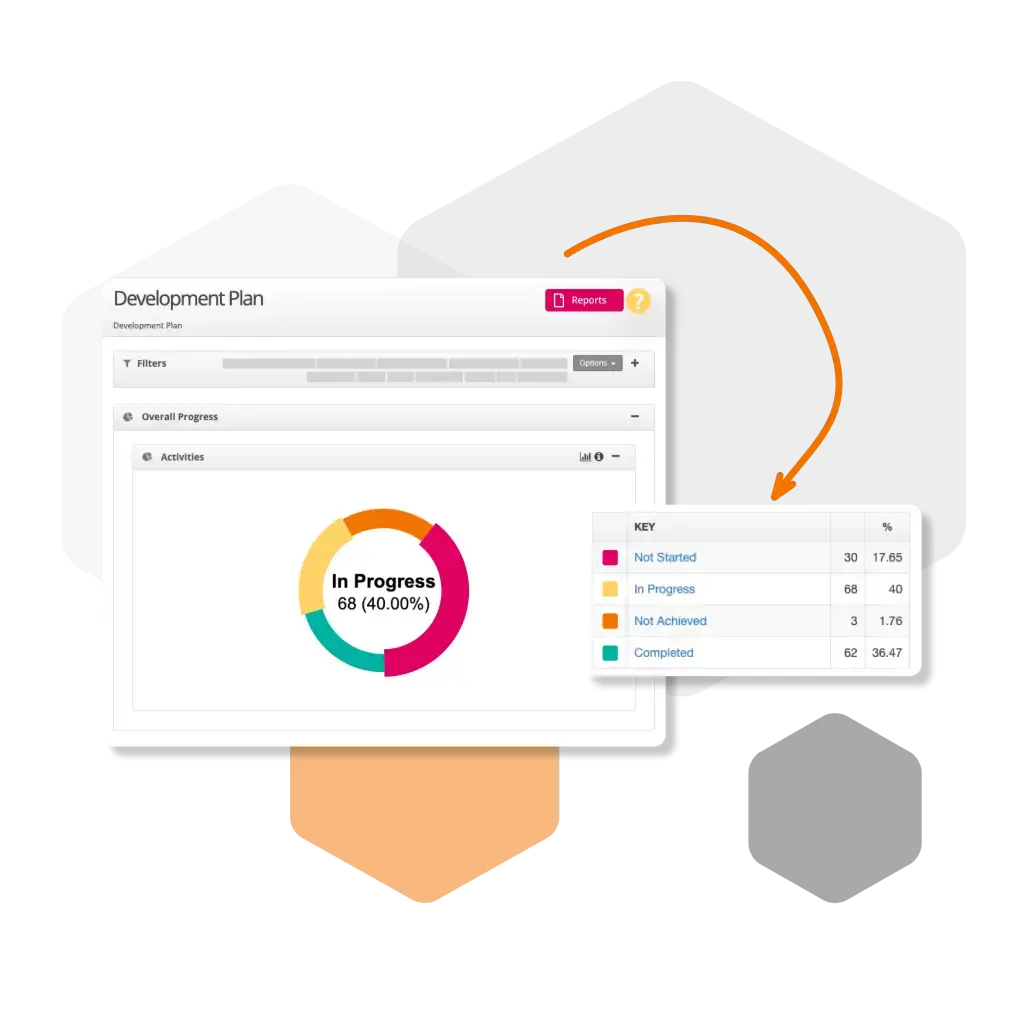
To generate a report, click the Reports button at the top of the screen.
A PDF report will be produced, allowing you to select which section you would like to download

 For schools and academies
Complete school improvement software to plan, monitor and evaluate with confidence.
Explore SchooliP →
For schools and academies
Complete school improvement software to plan, monitor and evaluate with confidence.
Explore SchooliP →
 For multi-academy trusts
Complete trust-wide school improvement software to plan, monitor and evaluate performance with confidence.
Explore SchooliP →
For multi-academy trusts
Complete trust-wide school improvement software to plan, monitor and evaluate performance with confidence.
Explore SchooliP →
 For further education
Powering quality, compliance and curriculum excellence in colleges.
Explore CollegeiP →
For further education
Powering quality, compliance and curriculum excellence in colleges.
Explore CollegeiP →
