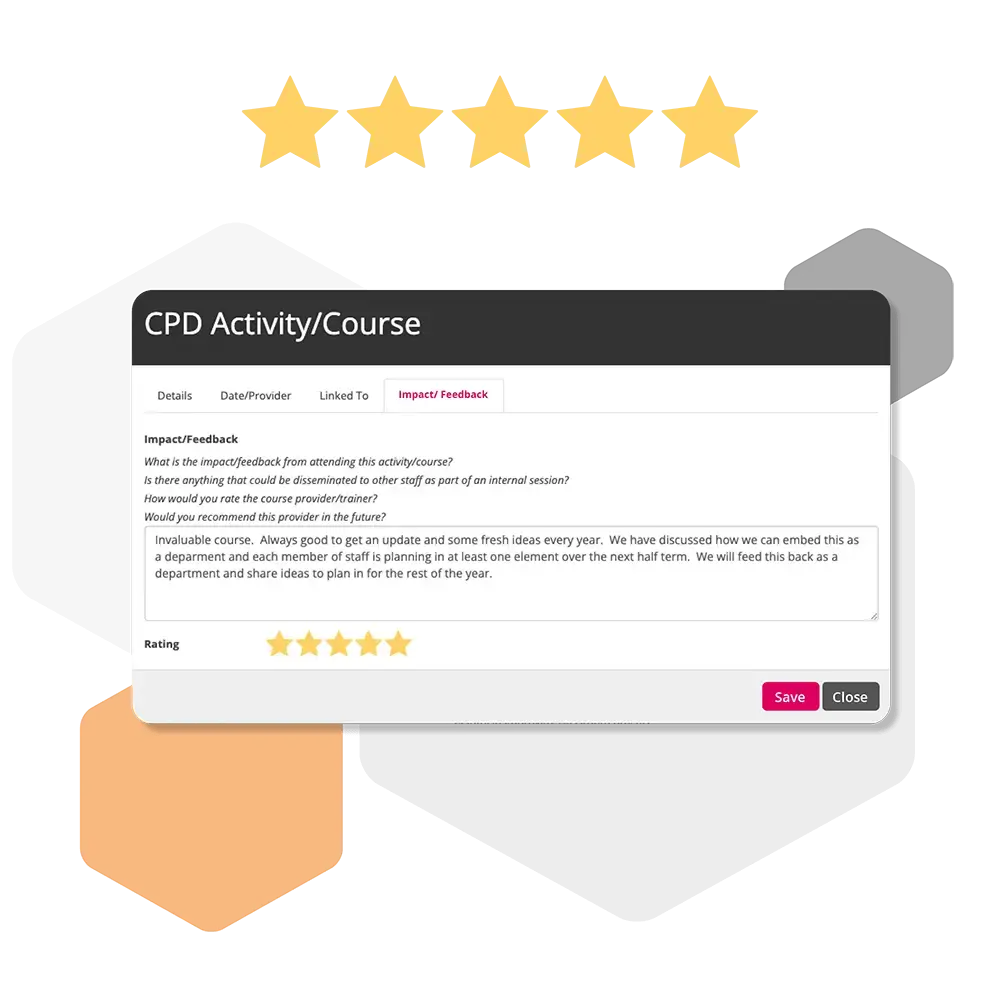
CPD Overview
A brief introduction to Continuing Professional Development (CPD) in iP, explaining how to record, track, and manage CPD activities to support ongoing staff development.
CPD Settings
CPD Settings allow you to configure how Continuing Professional Development activities are created, tracked, and evaluated. These settings ensure staff development is structured, measurable, and aligned with organisational goals.
How do I add a course (CPD Coordinator)?
Learn how to add a course in iP as a CPD coordinator, enabling you to manage staff participation and track professional development activities effectively.
How to add a CPD Activity/Course to my review?
Step‑by‑step instructions for including a CPD activity or course in your Professional Review in iP, helping you track learning and development progress.
How do I assign a CPD Activity/Course to multiple staff (CPD co-ordinator)?
Learn how to allocate a CPD activity or course to multiple staff members in iP as a CPD coordinator, streamlining tracking and participation across your team.
How do I add a CPD request?
Step‑by‑step guidance on submitting a CPD request in iP, allowing staff to propose development activities and track approval and participation.
How do I approve CPD requests?
Learn how to review and approve CPD requests in iP, ensuring staff development activities are properly authorised and recorded.
How do I add evidence against a CPD course?
Step‑by‑step instructions for attaching evidence to a CPD course in iP, helping to document participation and demonstrate learning outcomes.
How do I see the course status (attended, not attended, planned)?
Learn how to check the status of CPD courses in iP—whether attended, not attended, or planned—to track staff participation and progress.
How do I download and print a CPD report?
Step‑by‑step guidance on generating, downloading, and printing a CPD report in iP to keep a record of staff development activities and participation.
How do I run/view a CPD report?
Learn how to generate and view CPD reports in iP to track staff participation, monitor progress, and analyse professional development activities.
How do I view the report for areas for development?
Step‑by‑step guidance on accessing reports in iP that highlight staff development needs, helping to identify and plan targeted CPD activities.