The Priorities feature provides a centralised space for creating, organising and managing priorities across your organisation. It helps you identify key areas for improvement, monitor progress and ensure that everyone is working towards shared goals.
Priorities can be used to support strategic planning, continuous improvement and day-to-day operational activities, providing a clear structure for managing the areas that matter most.
What are Priorities?
Priorities represent the key areas of focus within your organisation. They help you organise your improvement activities and provide a clear view of what you want to achieve.
Each priority can contain objectives, activities and success criteria, allowing you to break down larger goals into manageable actions and monitor progress over time.
Key Features
Create and Manage Priorities – Add priorities to reflect your organisation's strategic goals and areas for improvement.
Organise Objectives – Break down each priority into specific objectives that clearly define what needs to be achieved.
Plan Activities – Identify the actions required to achieve your objectives and support continuous improvement.
Define Success Criteria – Establish measurable outcomes to help evaluate progress and determine whether objectives have been achieved.
Monitor Progress – Track the development of priorities and objectives, identifying areas where further action may be required.
Assign Responsibilities – Allocate activities to individuals to encourage accountability and collaboration.
Record Evidence – Support your improvement activities with relevant evidence and supporting information.
How Do Priorities Work?
Priorities provide a structured approach to improvement planning.
Each priority acts as a main area of focus, containing objectives that describe what you want to achieve. Objectives can then be supported by activities and success criteria to help guide and measure progress.
This structure makes it easier to manage improvement plans, review achievements and identify the next steps.
Viewing Your Priorities
The Priorities area provides an overview of your organisation's priorities, allowing you to quickly access and manage the information you need.
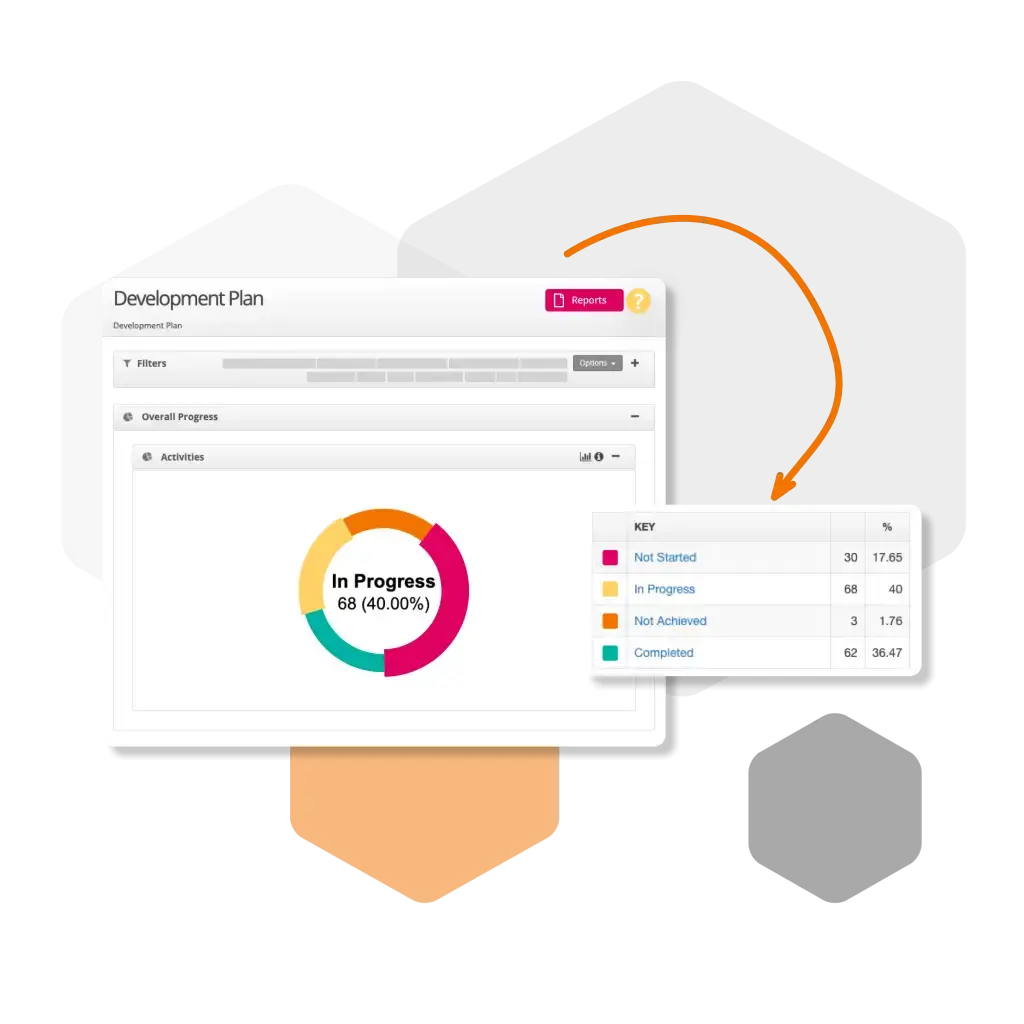
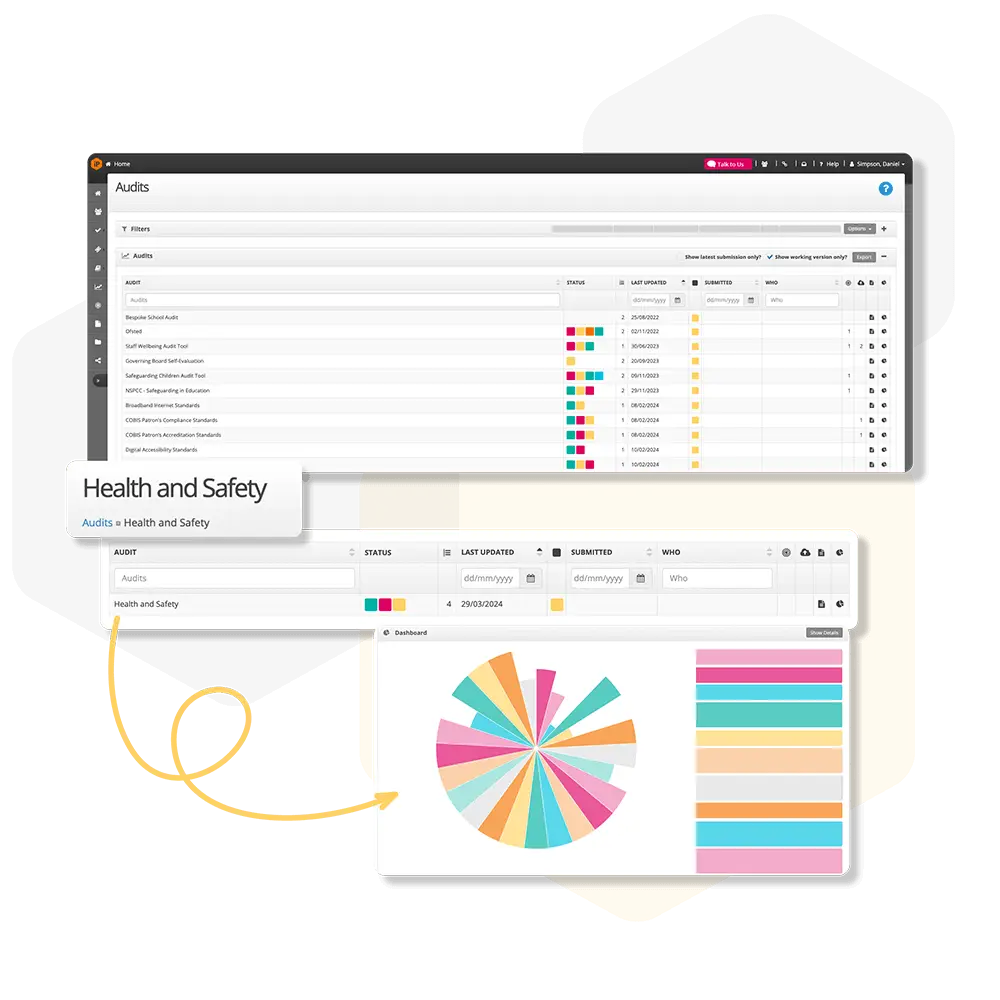
Depending on your settings, priorities may be displayed as a list or through a graphical dashboard, providing a visual summary of your improvement plan.
You can select an individual priority to view its objectives, activities and associated progress.
Getting Started
To begin using Priorities, navigate to your improvement plan and review your existing priorities or create a new one.
Once your priorities have been established, you can add objectives, define success criteria and plan the activities needed to achieve your intended outcomes.
Regularly reviewing and updating your priorities will help ensure your improvement plan remains relevant, focused and aligned with your organisation's goals.

 For schools and academies
Complete school improvement software to plan, monitor and evaluate with confidence.
Explore SchooliP →
 For multi-academy trusts
Complete trust-wide school improvement software to plan, monitor and evaluate performance with confidence.
Explore SchooliP →
 For further education
Powering quality, compliance and curriculum excellence in colleges.
Explore CollegeiP →
