Improvement Plan
First, go to ‘Settings’ at the bottom of the main menu
Select ‘Improvement Plan’
Then select ‘Emails’ from the left-hand panel
Then you can individually deselect each email setting you wish to unsubscribe from, by removing the tick from the box. This will mean you will no longer receive email reminders regarding these subjects
Scroll to the bottom of the page and click ‘Save Settings’ to finalise the changes you have made
Email Reminder Settings
Select Email Reminders from the left-hand panel
Tick/untick the boxes to enable and disable their respective features
Type in the field to set when you should be receiving the email reminder
Scroll to the bottom of the page and click ‘Save Settings’ to finalise the changes you have made

 For schools and academies
Complete school improvement software to plan, monitor and evaluate with confidence.
Explore SchooliP →
For schools and academies
Complete school improvement software to plan, monitor and evaluate with confidence.
Explore SchooliP →
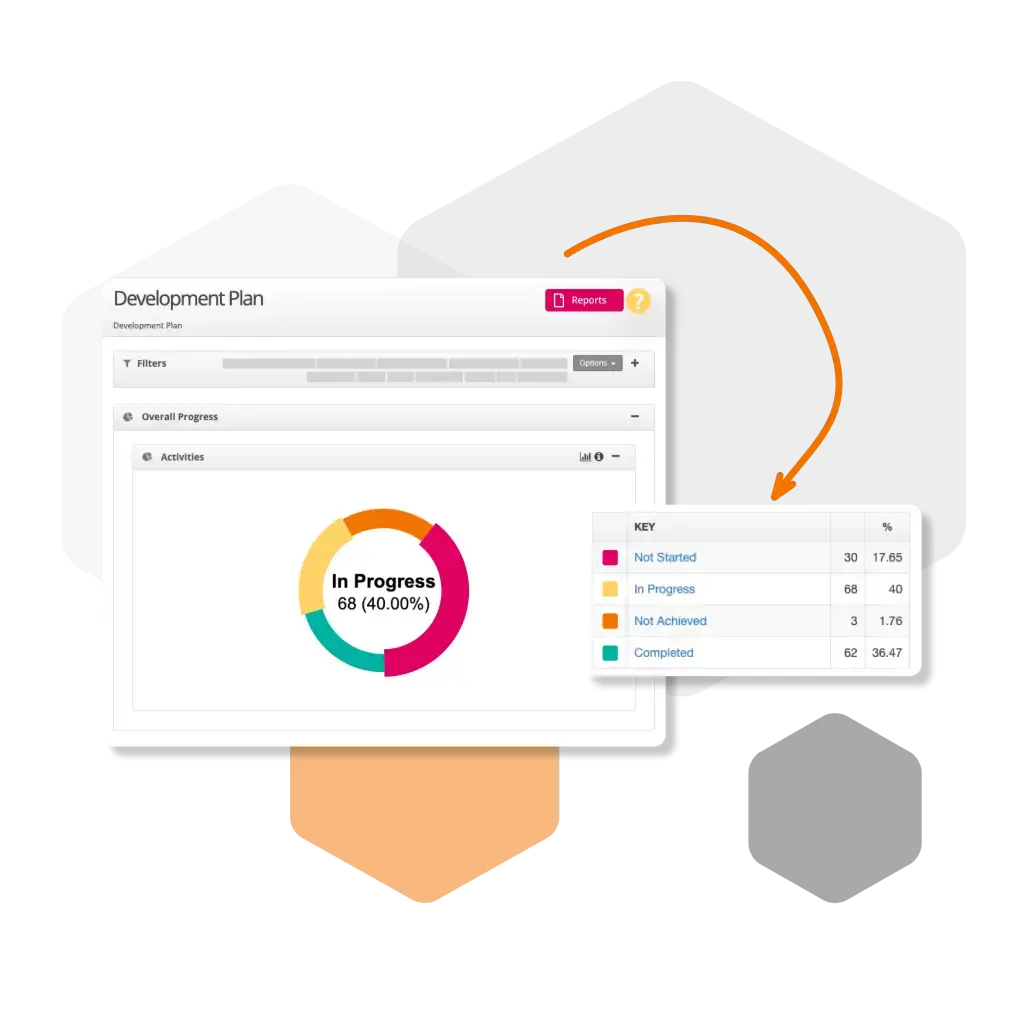
 For multi-academy trusts
Complete trust-wide school improvement software to plan, monitor and evaluate performance with confidence.
Explore SchooliP →
For multi-academy trusts
Complete trust-wide school improvement software to plan, monitor and evaluate performance with confidence.
Explore SchooliP →
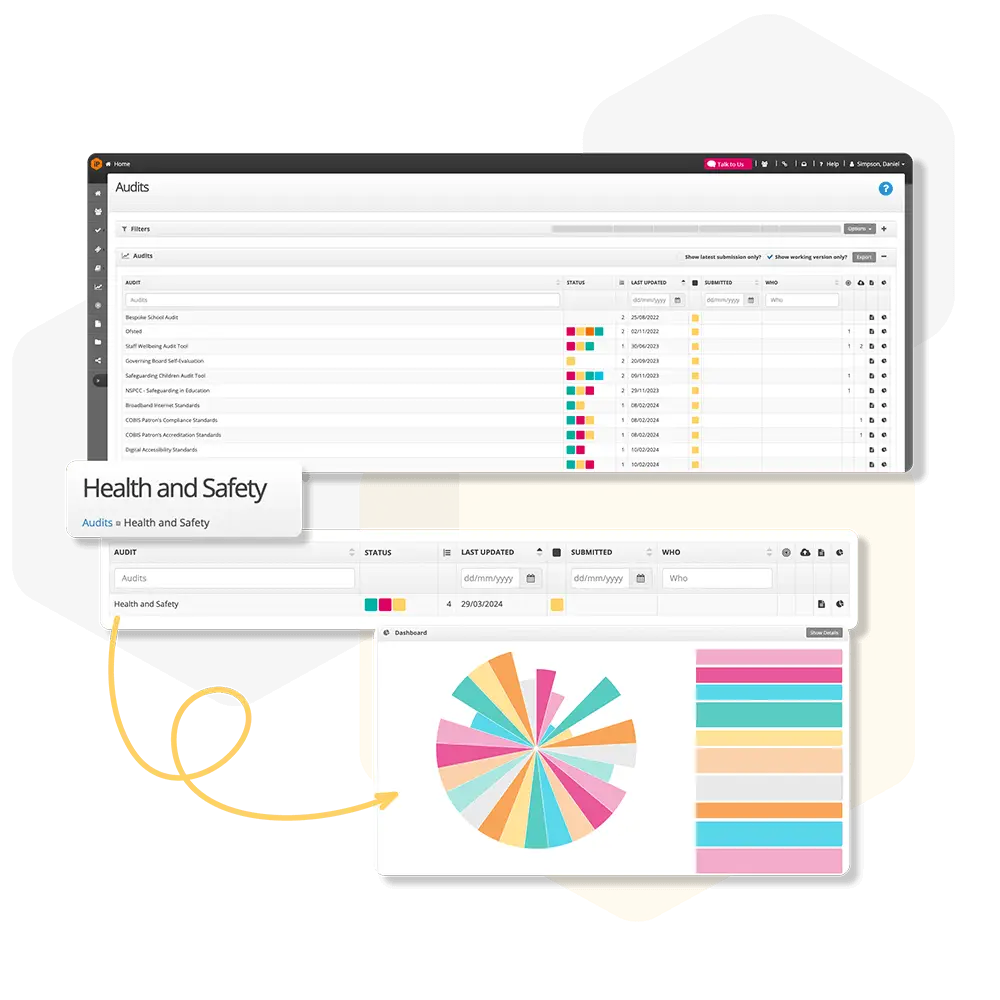
 For further education
Powering quality, compliance and curriculum excellence in colleges.
Explore CollegeiP →
For further education
Powering quality, compliance and curriculum excellence in colleges.
Explore CollegeiP →
