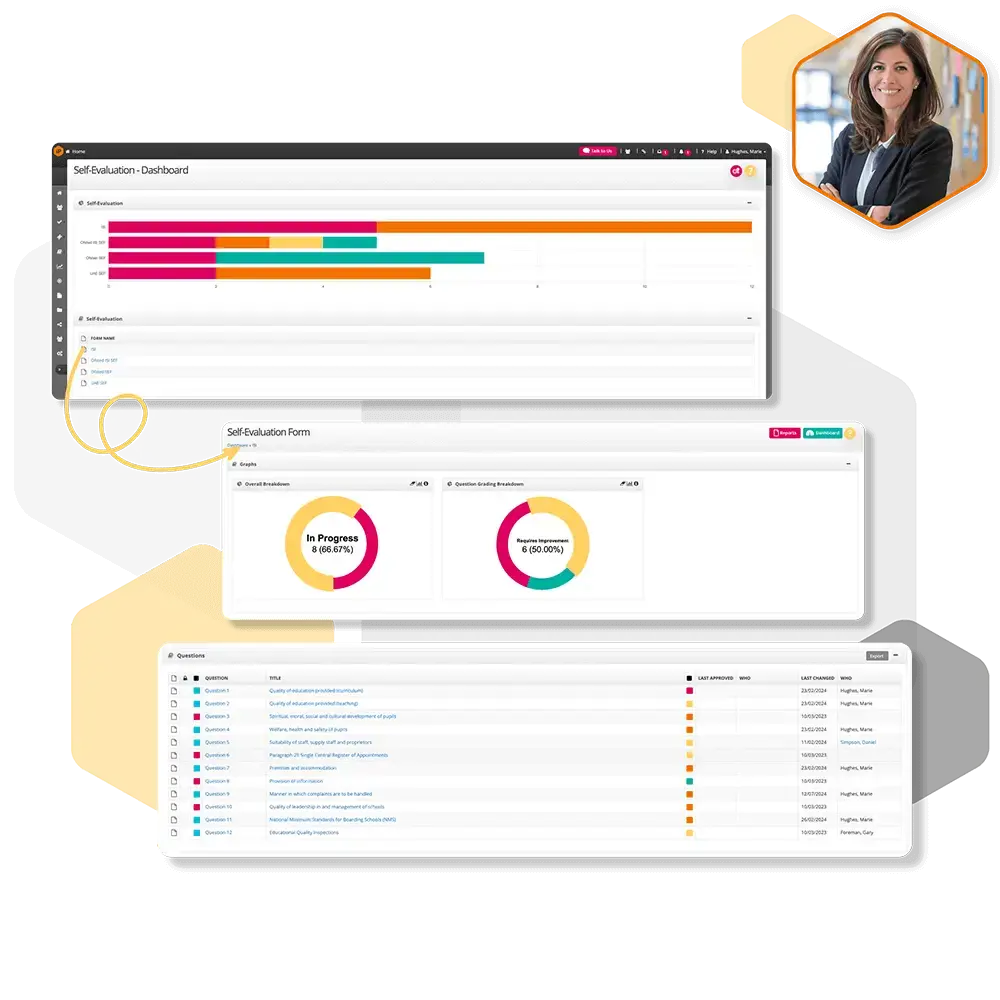
Self-Evaluation Settings
Discover how to configure Self Evaluation settings to customise permissions, notifications, and access across your SEF process.
Self-Evaluation Emails
Step‑by‑step instructions for setting up emails for the Self-Evaluation Form.
Self-Evaluation Folders
Step‑by‑step instructions for adding folders for the Self-Evaluation Process.
Self-Evaluation Gradings
Step‑by‑step instructions for adding gradings to the system to be used in the Self-Evaluation Forms.
How to import a new SEF?
Step‑by‑step instructions for importing a new Self-Evaluation Form within the settings.