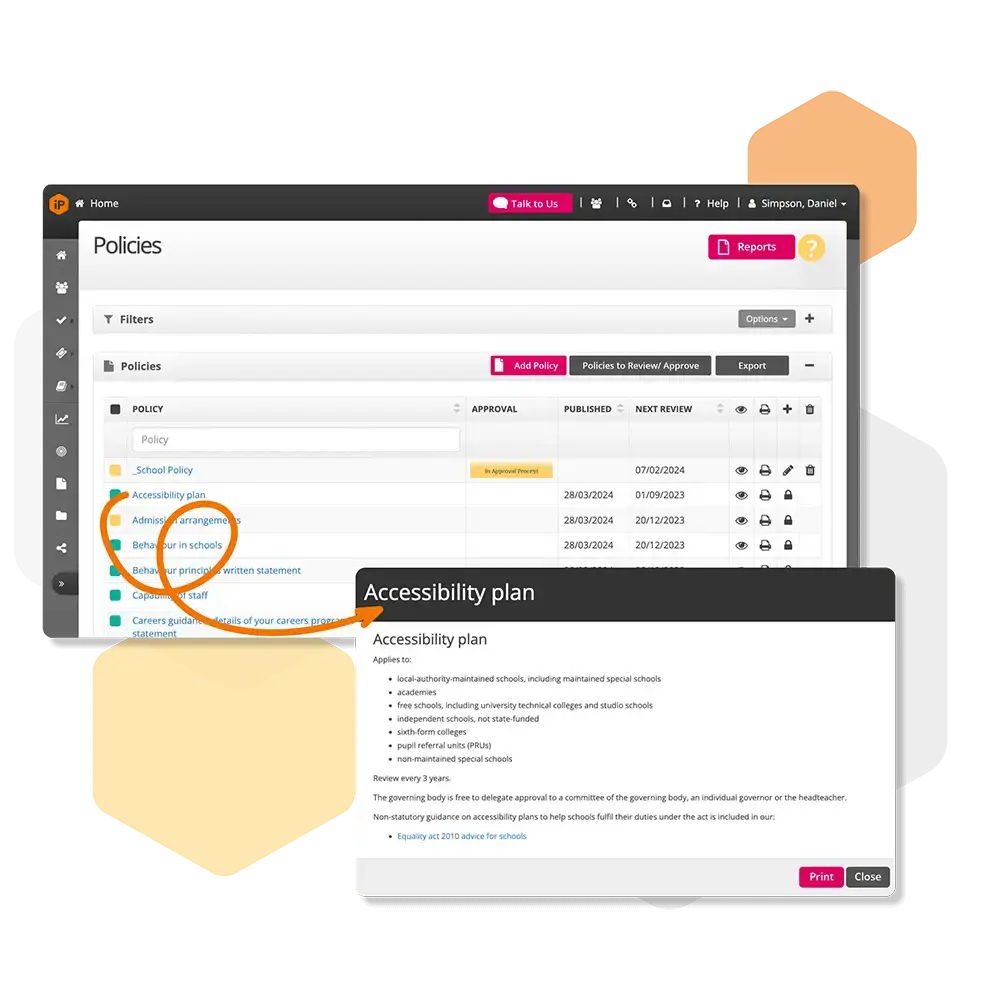
Policies and Procedures General Settings
Configure how policies are displayed, categorised, approved, and reviewed. Manage reminders, emails, and import statutory or existing policies.
How do I classify a policy?
Find out how to classify a policy, helping you organise and categorise policies for easy access and management.
How do I set up policy approval?
Learn how to set and assign approval levels for policy management.
How do I configure the module?
Learn how to configure the Policies and Procedures module, setting up permissions, notifications, and access for staff.
How do i configure policy reminders?
Discover how to automatically notify staff before, on, and after review dates.
How do I configure the emails that are sent?
Discover how to configure the emails sent from the Policies and Procedures module, controlling notifications and alerts for staff.
How do I configure a policy review cycle?
Set how often policies are reviewed to keep them up to date and compliant.
How do I configure policy areas?
Learn how to group policies by theme or responsibility area.
How do I configure a policy type?
Discover how to categorise policies for easier filtering and reporting.