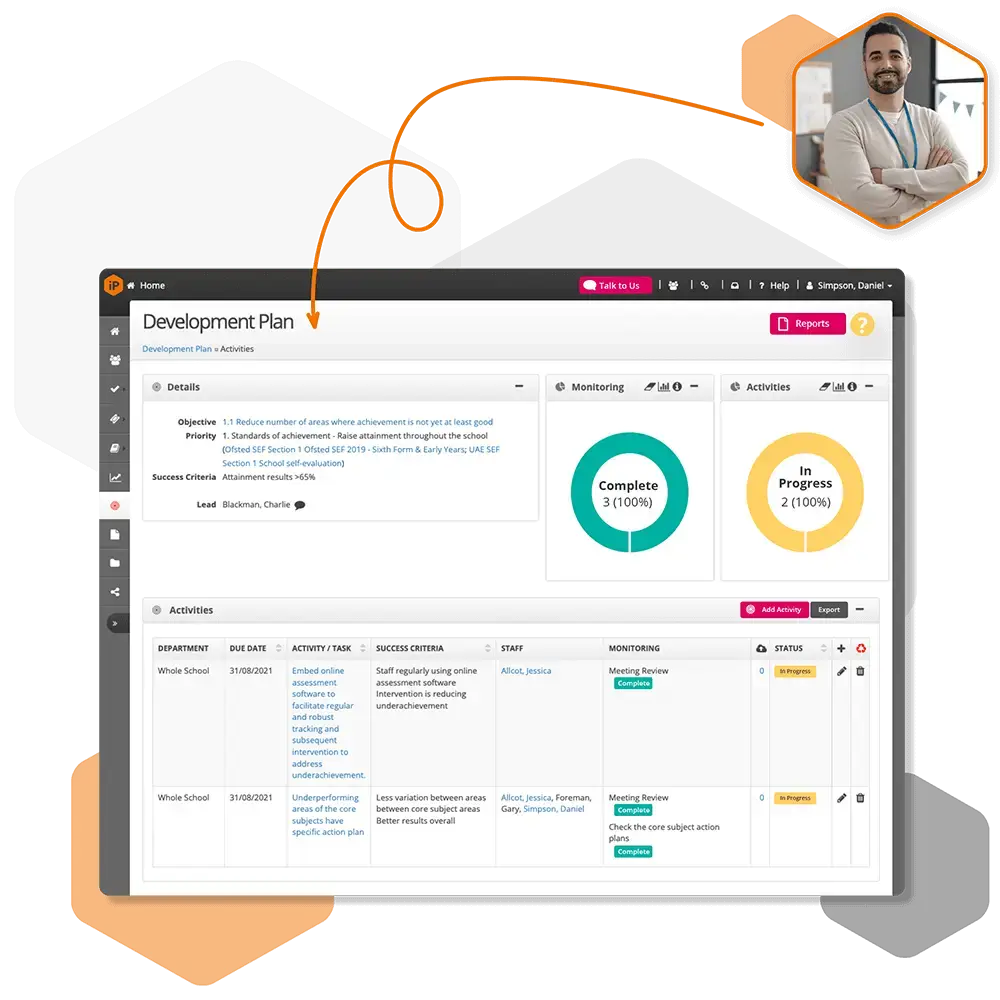
Improvement Plan Overview
Get an overview of Improvement Plans, including how they help you set and track actions, deadlines and progress to support your organisations development.
Improvement Plan Settings
Improvement Plan Settings allow you to configure how improvement plans are structured, managed, and tracked. These settings support clear actions, accountability, and effective monitoring of progress.
How do I add priorities to the organisation improvement plan?
Learn how to add priorities to your organisation’s Improvement Plan, helping you focus on key actions and track progress against strategic goals.
How do I add SDP objectives?
Find out how to add SDP objectives to your Improvement Plan, linking actions to priorities and monitoring progress.
How do I add staff to improvement plan objectives and activities?
Learn how to add staff to Improvement Plan objectives and activities, assigning responsibility and tracking progress on key actions.
How do I add activities and evidence to an improvement plan?
Discover how to add activities and evidence to an Improvement Plan, helping you record actions taken and demonstrate progress against objectives.
How do I add a departmental action plan to the improvement plan?
Find out how to add a Departmental Action Plan to your Improvement Plan, aligning departmental actions with whole-organisation priorities.
How do I export my improvement plan?
Learn how to export your Improvement Plan, allowing you to download and share plans, actions and progress with stakeholders.
How do I export an individual improvement plan?
Discover how to export an individual Improvement Plan, enabling you to download and share a single plan’s objectives, actions and progress.
Editing an Activity
This page explains how to edit an activity within a Development Plan objective and outlines the user permissions required to do so.
Connecting Activites to the SEF
Learn how to link Improvement Plan activities to a SEF question, helping you connect development actions with your self-evaluation and track progress more easily.
Allocating Resources to an Activity
Learn how to add and manage resources for activities within your development plan. This guide explains how to record funding types, cost codes, budgets, and actual expenses to help track the financial impact of each activity.
Adding Training and Development to an Activity
Add and manage training and development activities linked to your objectives.
How to Assign Monitoring to an Activity
Add and assign monitoring items to track activity progress and notify staff.