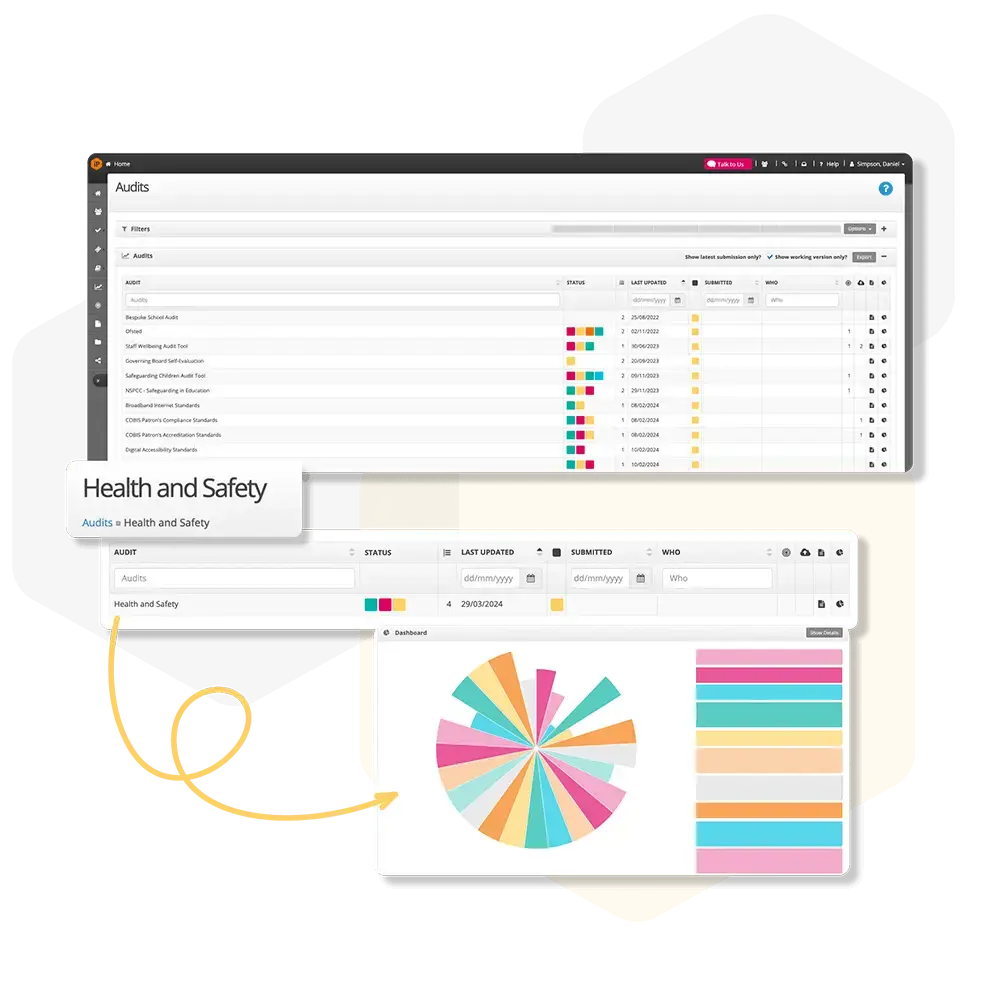
Audits Overview
Get an overview of Audits, including how to plan, conduct, track, and review audits across your organisation.
Audit Settings
Audit Settings allow you to configure how audits behave across the system, including scoring, question options, ratings, and display preferences. These settings ensure consistency, accurate reporting, and meaningful audit outcomes.
Audits Overview Page
Get an overview of all audits across your organisation, including progress, status, key dates, and filters to quickly find and export the information you need.
How do I export an audit?
Filter and export audit data by selecting filters to narrow results, then use the Export button to download reports in Excel, Word, or PDF.